Django: How to create separate logout pages for the Admin app and your own apps
As we discussed before, Django is a powerful framework. We have been using it to quickly develop reliable CRUD web apps that run smoothly and flawlessly. However, apart from creating our own apps and templates, we are also guilty of giving the Admin interface to end-users. Sometimes, we even combine our custom apps and the Admin app in a single project, and users of this project might have access to both types of apps. In these cases, we faced a rather unusual problem of having to provide two different logout pages: one should be custom and the other should be the Admin’s default. Finding how to do it took some time and experimentation, so if you are having the same problem, read on.
First of all, let’s illustrate the issue by creating a new Django project. (The instructions in the first part of the post, have been taken from Will Vincent’s excellent book Django for Professionals.)
mkdir logout_sample
cd logout_sample
python3 -m venv .venv
source .venv/bin/activate
pip install django #(at the time of writing, this installs version 4.2.7)
django-admin startproject config . #(don’t forget the dot)
python3 manage.py migrate
python3 manage.py createsuperuser
At this point, you cun run the project: python3 manage.py runserver
to check if everything works correctly.
Now, let’s create a pages app, which will contain our project’s common pages:
python3 manage.py startapp pages
Include this app in the settings:
# config/settings.py
INSTALLED_APPS = [
    ...
    'django.contrib.staticfiles',

    # Our apps
    'pages',
]
Now let’s create some templates. First, modify settings to enable a project-level templates folder:
TEMPLATES = [
  {
  ...
  #'DIRS': [],
  'DIRS': [BASE_DIR / 'templates'],
Create the templates folder:
mkdir templates
and add your base template, from which every other template will inherit:
<!-- templates/_base.html -->
<!DOCTYPE html>
<html>
<head>
<meta charset="utf-8">
<title>{% block title %}Our Site{% endblock title %}</title>
</head>
<body>
    <div class="container">
    {% block content %}
    {% endblock content %}
    </div>
</body>
</html>
Now we should create the homepage template, but first add the app’s URLs:
# pages/urls.py
from django.urls import path
from .views import HomePageView

urlpatterns = [
    path('', HomePageView.as_view(), name='home'),
]
Add a basic view:
# pages/views.py
from django.views.generic import TemplateView

class HomePageView(TemplateView):
  template_name = 'home.html'
Modify the project’s URLs:
# config/urls.py
from django.contrib import admin
from django.urls import path, include

urlpatterns = [
    path('admin/', admin.site.urls),
    path('accounts/', include('django.contrib.auth.urls')),
    path('', include('pages.urls')),
]
Note here that we include django.contrib.auth.urls. If you inspect the relevant Django’s source code, you will see that by doing so, we are actually including the below code:
from django.contrib.auth import views
class LoginView(...): template_name = "registration/login.html"
class LogoutView(...): template_name = "registration/logged_out.html"
path("login/", views.LoginView.as_view(), name="login"),
path("logout/", views.LogoutView.as_view(), name="logout"),
This is important knowledge for the next steps.
Finally we can add our homepage template:
<!-- templates/home.html -->
{% extends "_base.html" %}
{% block title %}Home{% endblock title %}
{% block content %}
<h1>This is our home page.</h1>
{% if user.is_authenticated %}
  <p>Hi {{ user.email }}!</p>
  <p><a href="{% url 'logout' %}">Log Out</a></p>
{% else %}
  <p>You are not logged in</p>
  <a href="{% url 'login' %}">Log In</a>
{% endif %}
{% endblock content %}
Now we need our login template. Create the folder that Django expects for it (as we saw above):
mkdir templates/registration
and add the login template there:
<!-- templates/registration/login.html -->
{% extends "_base.html" %}
{% block title %}Log In{% endblock title %}
{% block content %}
<h2>Log In</h2>
<form method="post">
{% csrf_token %}
{{ form.as_p }}
<button type="submit">Log In</button>
</form>
{% endblock content %}
Also add the below line at the end of settings, so you will be redirected to the homepage after login:
LOGIN_REDIRECT_URL = 'home'
Now we are getting to the meat of things. Run the app, visit http://localhost:8000 and log in:
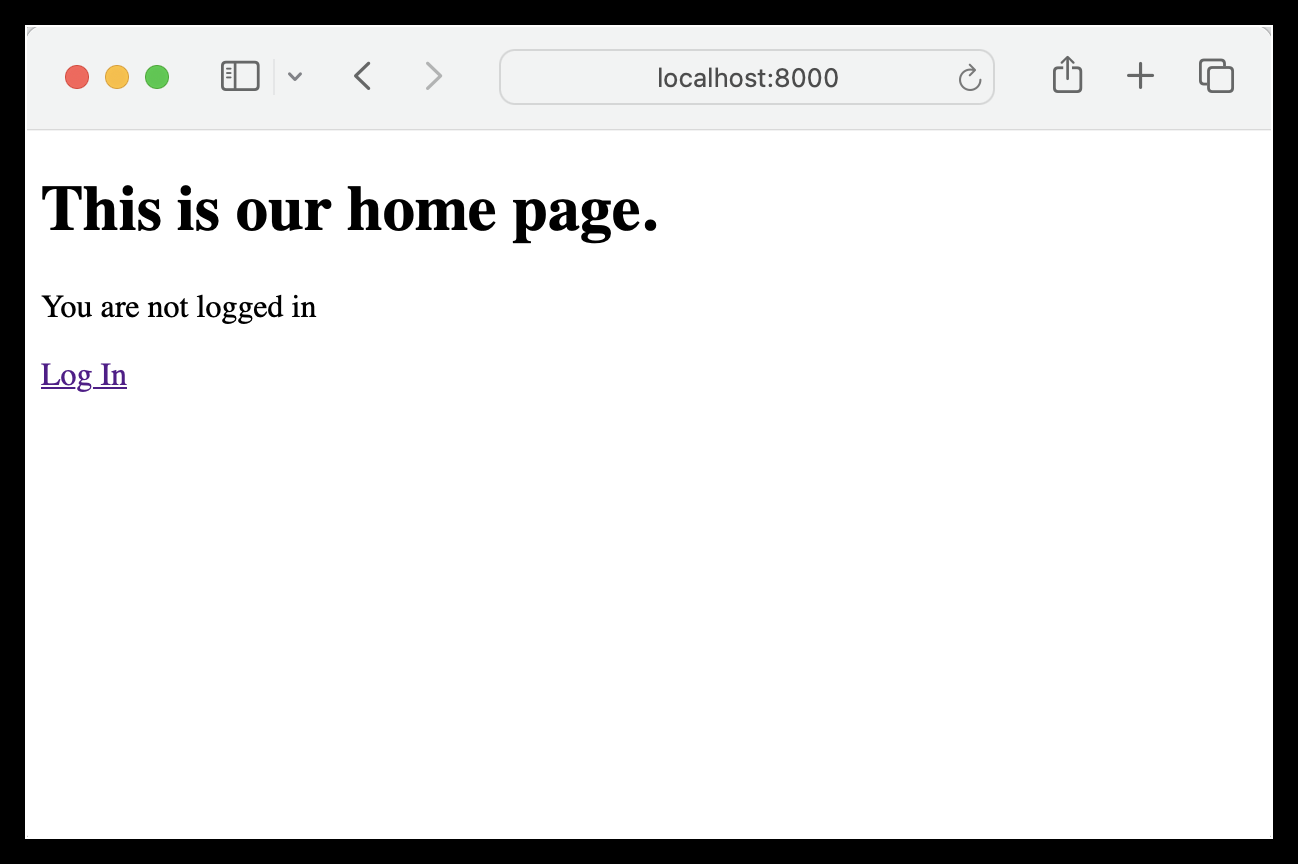
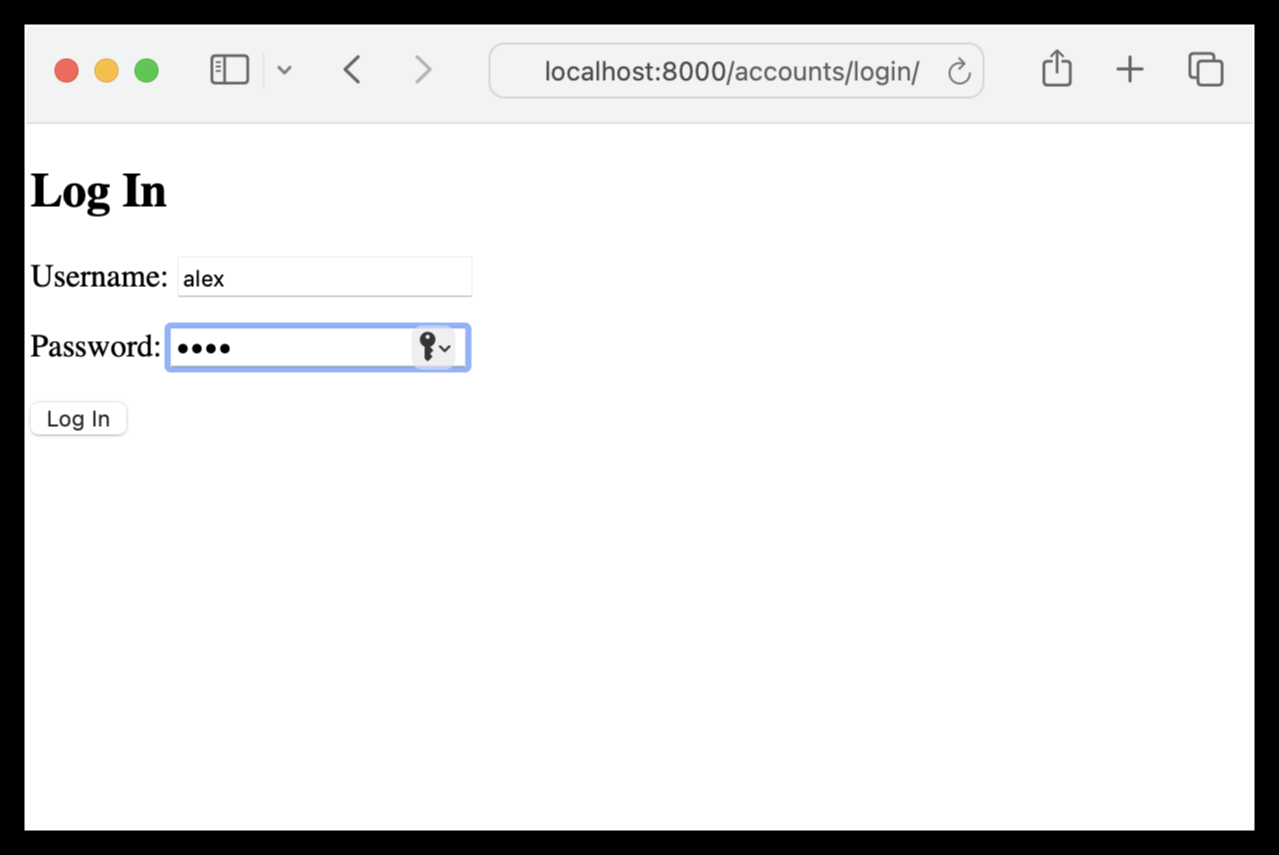
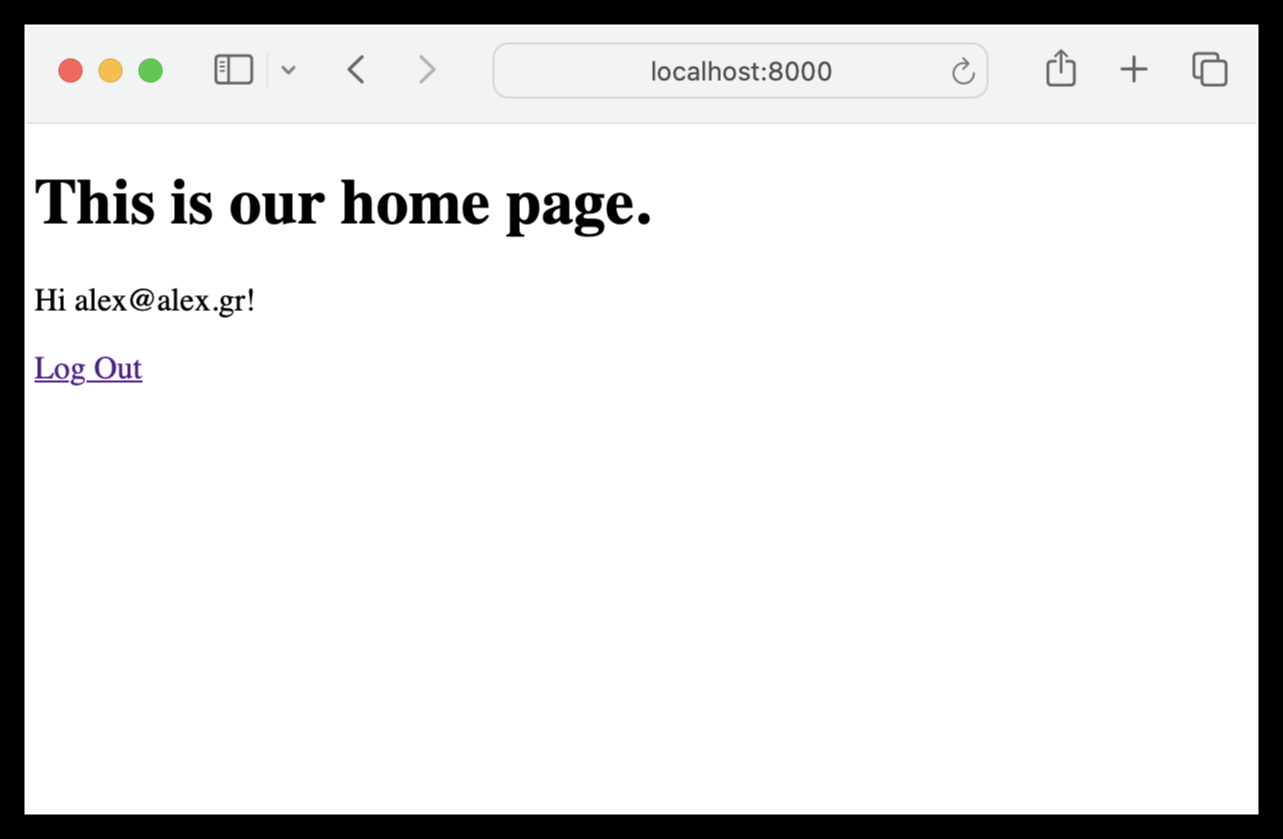
Clicking the logout link of our homepage, we are just redirected to the Admin logout page:
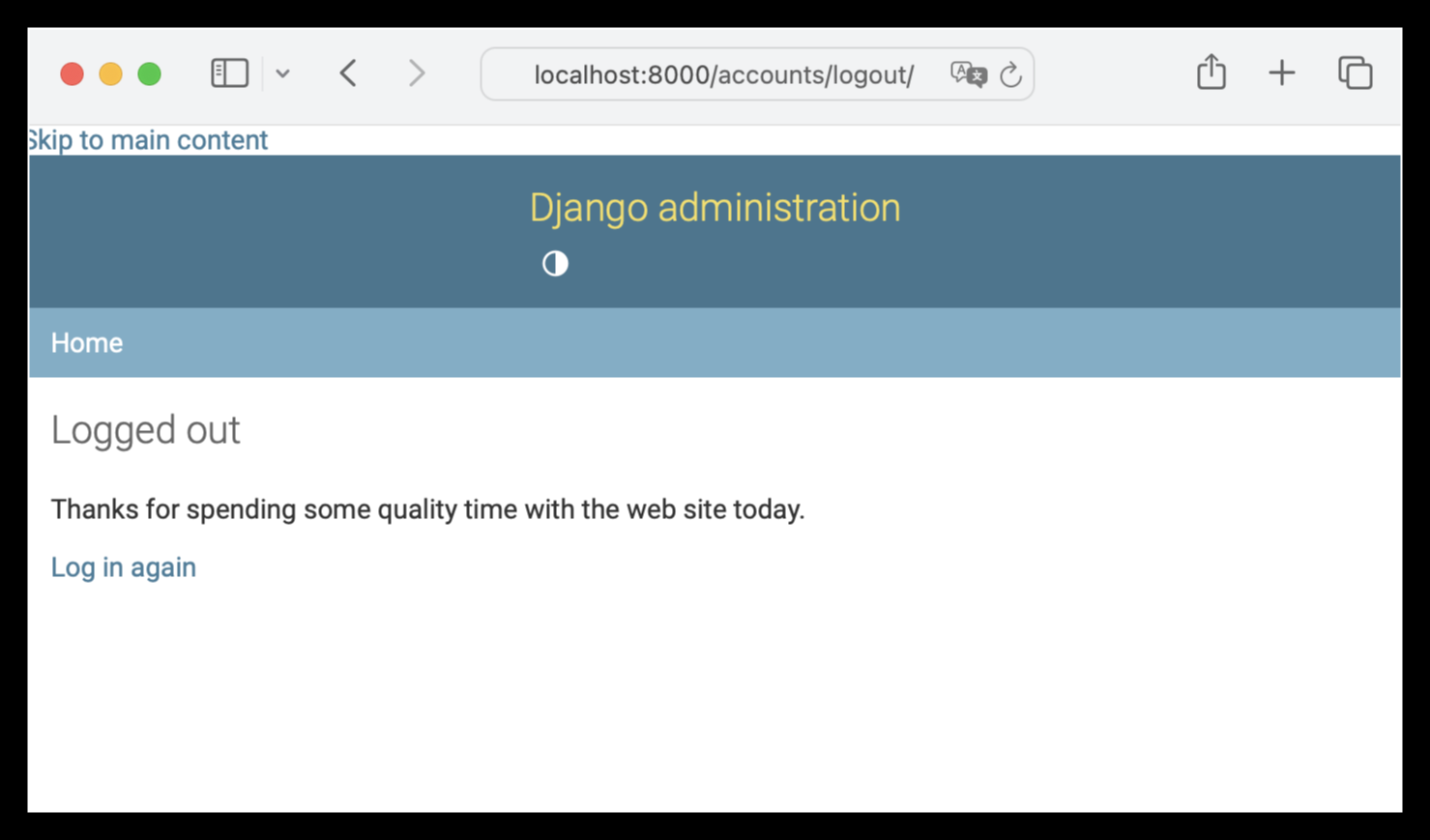
This isn’t optimal, because a user logging out from a custom app will see the different look and feel of the Admin logout page.
Let’s try adding the following line at the end of settings:
LOGOUT_REDIRECT_URL = 'home'
This will just redirect a logged out user to the home page. While this works for our custom apps, it isn’t optimal either. First of all, we might want to have a dedicated logout page (not just be redirected to the home page). Second and most important, now we have also lost the Admin logout! Users logging out from the Admin app, will be redirected to the homepage of our custom apps. Not good!
Let’s make a first attempt for a custom logout page. Remove LOGOUT_REDIRECT_URL = 'home' and create the below template, as the code expects:
<!-- templates/registration/logged_out.html -->
{% extends "_base.html" %}
{% block title %}Log Out{% endblock title %}
{% block content %}
<h2>You are logged out</h2>
{% endblock content %}
This works great for our custom apps, but it replaces (overrides) the Admin logout page, because the Admin template has the same name: contrib/admin/templates/registration/logged_out.html
This means that we have lost the Admin logout again, and now we have the reverse problem: a user logging out from the Admin app will see the different look and feel of our custom logout page.
(The Admin login was not replaced, because it exists in a special location: contrib/admin/templates/admin/login.html. This location was found by using the information in this article.)
So what’s the actual solution??
Rename registration/logged_out.html to registration/mylogout.html
and change config/urls.py according to this article as follows:
# config/urls.py
from django.contrib.auth import views

urlpatterns = [
    path('admin/', admin.site.urls),

    path(
      'accounts/logout/',
      views.LogoutView.as_view(
        template_name='registration/mylogout.html',
        next_page=None),
      name='logout'),

    path('accounts/', include('django.contrib.auth.urls')),
    path('', include('pages.urls')),
]
Note that we specified our own logout URL first, effectively overriding the one in django.contrib.auth.urls.
Now we have the best of both worlds. The Admin app’s logout page continues to work, and our custom apps enjoy their own, dedicated logout page. Nice!